Grounded in your course. Not in the internet.
Instructors publish their material once; every enrolled student’s tutor is grounded in it, with citations.
Rendered by the product, not a screenshot
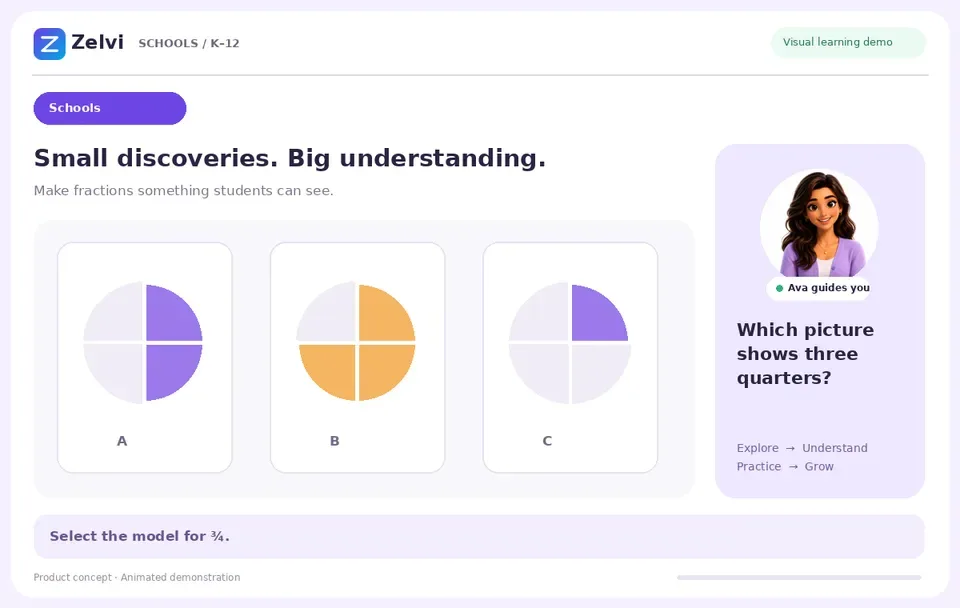
One task, start to finish
This is what a learner does here.
Not a tour of a dashboard. One piece of practice from this program, played through — the same interaction an enrolled student gets.
Working today
What this program gets on day one.
Every capability below is running in a real signed-in session and gated before it ships. Not a roadmap.
Answers cited back to your own material, with the instructor one tap away when the material does not cover it
On our go/no-go benchmark every answer retrieved the right passage, carried a valid citation and stayed inside the material, and every out-of-scope question routed the learner to the instructor rather than a guess — against 54.2% for handing the model the whole document.
Interactive STEM visuals — graphs, geometry, circuits, reactions — that the learner can manipulate
54 STEM diagrams and 27 interactive ones ship today, and every one is re-drawn and checked before a release.
Interactive anatomy diagrams with tap-to-reveal labelling for active recall
Six anatomy diagrams ship today, each one a labelling task the learner completes rather than a picture to look at.
Instructors attach their own documents to a course, review them as a draft, and publish when ready
Fourteen checks driven through a real browser, including that a student cannot see a draft and that publishing opens the document itself.
Preview exactly what an enrolled student sees before you release anything
The preview is built from the same rule the database itself enforces, so it cannot drift from what a student actually sees.
See which learners are struggling and which concepts they are stuck on
Twenty-nine automated checks on the cohort report, plus five more driven through a real browser.
Talk to the tutor out loud, interrupt it, and be understood
The realtime voice loop ships today and is exercised before every release.
Load a roster by CSV, join code or verified email domain, and re-run it safely
Fifty-five checks against a live environment, including that importing the same roster twice creates no duplicate students. LTI 1.3 and SCIM ride the same seam and become live under a signed pilot.
Each institution’s data is isolated at the database level, not by application code
Ten checks run as a real signed-in user, so the database’s own access rules are genuinely exercised rather than assumed.
Data export, erasure and guardian consent are implemented and tested
Export, erasure and guardian consent each ship today and are driven through a real browser before release.
A glimpse of what Ava draws, live
Concepts they can take apart.
Every figure here is rendered by the same code path that runs for a real student. Not screenshots. Not stock illustrations. Drag one, and it moves.
Who this is for
Programs already running this material.
One engine, other workforces
In the classroom
What a student actually sees.
The same canvas serves algebra, chemistry, biology, physics and language work. The learner manipulates the concept; the tutor speaks to what they are doing.
- Sliders, drag targets and tap-to-reveal labelling — not static images
- Voice that can be interrupted mid-explanation
- Every answer traced back to the instructor’s own material
